ControlNav
Every control at a glance
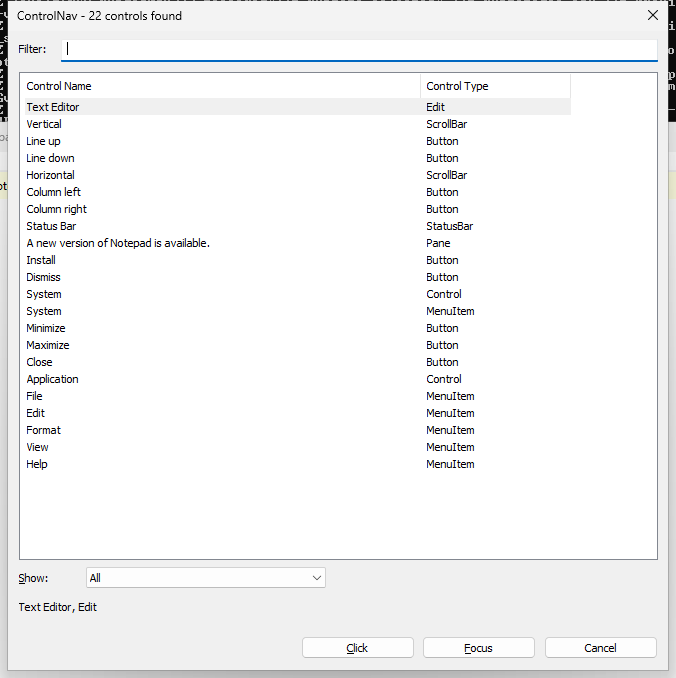
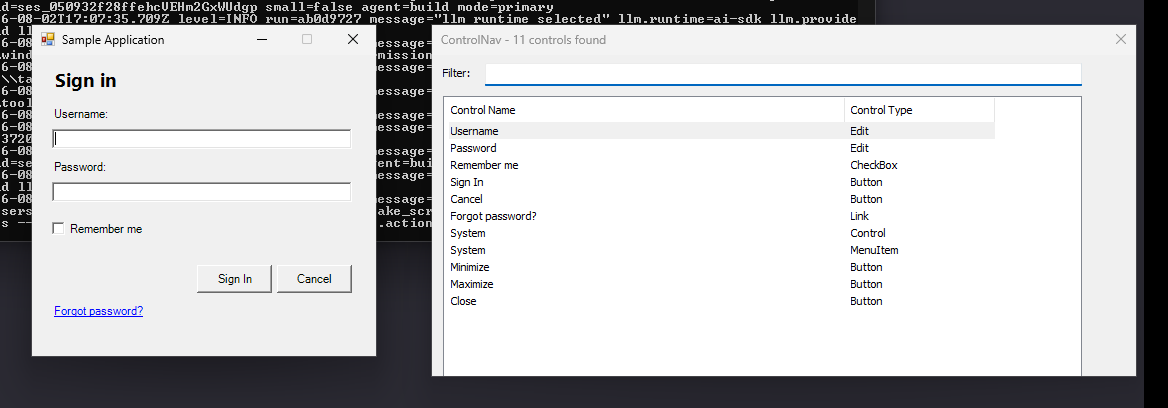
ControlNav lists every control of the foreground application as a searchable list. Instead of tabbing through an interface, you type the control's name and jump straight to it. Built for blind and visually impaired users of JAWS, NVDA and Windows Narrator.
At a glance
- Instant control list — every control in the active application at once
- Real-time search — typing filters the list without leaving the search box
- Arrow key navigation — browse while you keep typing
What it does
- Direct interaction — click, double-click or focus a control from the list
- Screen reader optimised — JAWS, NVDA and Windows Narrator
- Dark mode — follows your Windows theme automatically
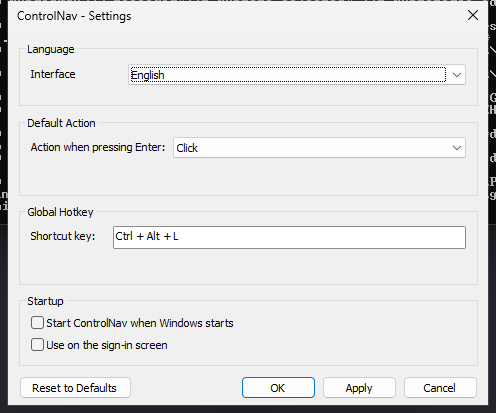
- Global shortcut — Ctrl+Alt+L from any application
- Lazy loading — the list appears at once and fills in the background
- Lightweight — about 60 KB, no dependencies
Downloads
Platform
- Windows 10 and Windows 11
How it looks